10 Unforgettable Website Design Tips That Guarantee a Seamless User Experience
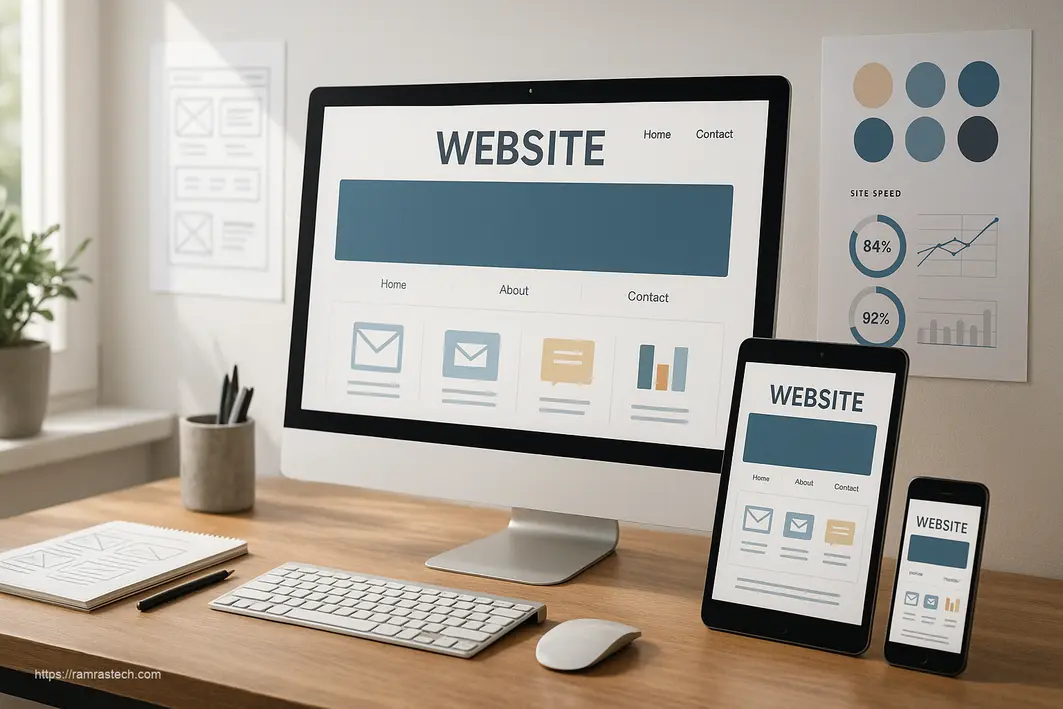
In today’s digital-first world, your website often serves as the first impression potential customers have of your business. Whether you’re launching a new site or revamping an existing one, implementing effective website design tips can mean the difference between engaging visitors or watching them bounce away to competitors. With users forming opinions about your site in just 50 milliseconds, there’s little room for design missteps.
I’ve helped dozens of businesses transform their online presence, and I’ve seen firsthand how strategic design choices can dramatically impact user engagement, conversion rates, and ultimately, business growth. In this comprehensive guide, I’ll share proven website design tips that will help you create a stunning, functional website that not only looks great but drives real results.
Why Website Design Matters More Than Ever in 2025
Website design isn’t just about aesthetics—it’s about creating meaningful connections with your audience through thoughtful user experiences. Recent statistics highlight just how crucial good design has become:
- 94% of first impressions are design-related, not content-related
- 75% of consumers judge a company’s credibility based solely on their website design
- 88% of online consumers are less likely to return to a site after a bad experience
- A well-designed user interface can increase conversion rates by up to 200%
These numbers tell a clear story: investing in quality website design directly impacts your bottom line. Let’s dive into the essential tips that will transform your site.
1. Prioritize Clean, Purposeful Layouts
Clutter is the enemy of good website design. When visitors arrive at your site, they should immediately understand what you offer and how to navigate your content. A clean, purposeful layout creates visual breathing room and helps guide users through your site intuitively.
Actionable tips:
- Embrace white space (negative space) to create visual hierarchy and improve readability
- Limit each page to one primary goal or call-to-action
- Use grid-based layouts to create visual order and alignment
- Remove unnecessary elements that don’t serve your page goals
According to a study by Google, users consistently rate simple websites as more appealing than visually complex ones. This phenomenon, known as the “aesthetic-usability effect,” shows that clean designs appear more trustworthy and professional to visitors.
2. Design With Mobile Users First in Mind
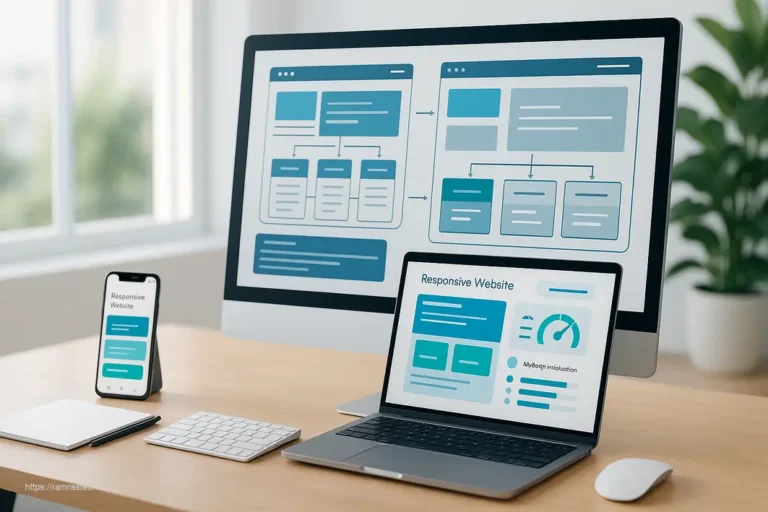
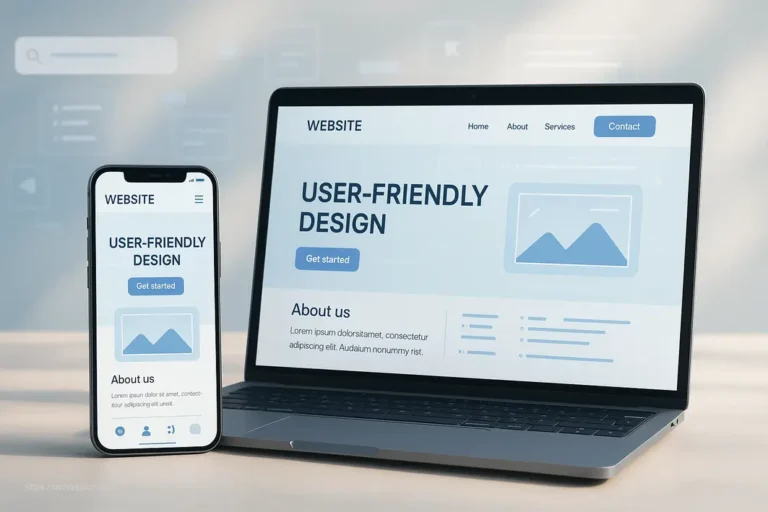
More than 57% of all web traffic now comes from mobile devices, making mobile-friendly design non-negotiable. Google’s mobile-first indexing means your site’s mobile version determines your search rankings, making responsive design crucial for both user experience and SEO.
Actionable tips:
- Implement responsive design that adapts seamlessly to different screen sizes
- Test your site on multiple devices (phones, tablets, desktops)
- Ensure touch targets (buttons, links) are at least 44×44 pixels for easy tapping
- Optimize images and media for faster loading on mobile networks
- Simplify navigation for smaller screens
“Designing for mobile first forces you to prioritize content and functionality, resulting in a better experience across all devices,” notes Luke Wroblewski, digital product leader and author of “Mobile First.”
3. Optimize Site Speed Aggressively
Speed kills—or rather, slowness kills your conversion rate. Research shows that 47% of consumers expect websites to load in 2 seconds or less, and a 1-second delay in page response can result in a 7% reduction in conversions.
Actionable tips:
- Compress and properly size all images using tools like TinyPNG or WebP formats
- Minimize HTTP requests by combining CSS and JavaScript files
- Implement browser caching to store static files
- Consider using a Content Delivery Network (CDN) for faster global loading
- Remove unnecessary plugins, scripts, and bloated code
Google’s PageSpeed Insights tool can help identify specific improvements for your site. For e-commerce sites, each 0.1 second of improvement in site speed can increase conversion rates by up to 8%.
4. Create a Consistent Visual Identity
Consistency in design elements creates a cohesive, professional experience that builds trust and reinforces your brand identity. When users encounter consistent design patterns, they can focus on your content rather than learning new navigation schemes on each page.
Actionable tips:
- Develop and follow a clear style guide with defined colors, typography, and UI elements
- Maintain consistent header and footer designs across all pages
- Use the same button styles and interaction patterns throughout the site
- Ensure your branding elements (logo, color scheme) appear consistently
“Consistency is one of the most powerful usability principles: when things behave the same, users don’t have to worry about what will happen,” says Jakob Nielsen, co-founder of the Nielsen Norman Group.
5. Implement Intuitive Navigation Structures
Navigation is the roadmap to your content. If users can’t easily find what they’re looking for, they’ll leave—it’s that simple. In fact, 94% of users say easy navigation is the most useful website feature.
Actionable tips:
- Limit primary navigation to 7 items or fewer (the limit of human short-term memory)
- Use descriptive labels that clearly communicate what users will find
- Implement a logical hierarchy with related items grouped together
- Include search functionality for larger sites
- Consider using breadcrumbs for complex site structures
The 3-click rule, while not a strict requirement, provides a good guideline: users should be able to find what they need within three clicks from any page on your site.
6. Use Strategic Color Psychology
Colors evoke emotional responses and can significantly impact user behavior. The right color scheme can reinforce your brand personality, improve readability, and even increase conversion rates.
Actionable tips:
- Choose a primary color that reflects your brand personality (blue for trust, red for excitement, etc.)
- Use contrasting colors for call-to-action buttons (a 2017 study found that red CTAs outperformed green by 21%)
- Implement a 60-30-10 color rule: 60% dominant color, 30% secondary color, 10% accent color
- Ensure sufficient contrast between text and background (WCAG recommends a minimum contrast ratio of 4.5:1)
A study by the University of Manitoba found that users make judgments about a website’s credibility in as little as 3.42 seconds based largely on color and design.
7. Choose Typography That Enhances Readability
Typography isn’t just about aesthetics—it directly impacts how easily visitors can consume your content. Poor font choices can cause eye strain and frustration, increasing bounce rates.
Actionable tips:
- Limit your site to 2-3 complementary fonts (one for headings, one for body text)
- Use a minimum font size of 16px for body text
- Maintain adequate line spacing (1.5 times your font size is a good starting point)
- Ensure sufficient contrast between text and background
- Consider system fonts for improved performance (Arial, Helvetica, Georgia)
A study from the Software Usability Research Laboratory found that sans-serif fonts like Arial and Verdana are more readable on screens than serif fonts like Times New Roman.
8. Design for Accessibility From the Start
Accessible design isn’t just ethically right—it’s good business. With approximately 15% of the global population living with disabilities, designing for accessibility expands your potential audience while protecting you from potential legal issues.
Actionable tips:
- Add descriptive alt text to all images
- Ensure keyboard navigation functionality
- Use semantic HTML elements (header, nav, main, footer) for screen readers
- Maintain color contrast ratios that meet WCAG 2.1 standards
- Create focus states for interactive elements
According to WebAIM, 97.8% of home pages had detectable WCAG 2 failures in 2023, showing plenty of room for improvement. Implementing accessible design gives you a competitive advantage while serving all potential users.
9. Strategic Use of High-Quality Images and Graphics
Visual content can increase engagement by up to 94% compared to text-only content. However, image selection and implementation must be strategic to avoid slowing down your site or distracting from key messages.
Actionable tips:
- Use authentic photos instead of generic stock images when possible
- Invest in high-quality custom graphics that reflect your brand
- Compress all images without sacrificing quality
- Implement lazy loading so images only load as users scroll
- Include descriptive alt text for accessibility and SEO
A study on web design statistics found that 40% of users will abandon websites with poor image quality, underscoring the importance of visual excellence.
10. Craft Clear and Compelling Calls-to-Action
Effective calls-to-action (CTAs) guide users toward conversion by clearly communicating what action you want them to take next. Well-designed CTAs can dramatically improve your conversion rates.
Actionable tips:
- Use action-oriented, first-person language (“Start My Free Trial” vs. “Start Free Trial”)
- Make buttons large enough and positioned prominently
- Use contrasting colors that stand out from the page
- Add white space around CTAs to make them more noticeable
- Test different variations to find what works best
According to a Hubspot study, personalized CTAs convert 202% better than default versions. Something as simple as changing “Download Now” to “Get My Free E-book” can significantly impact click-through rates.
11. Map Your User Journey and Optimize Pathways
Understanding how visitors navigate through your site allows you to optimize their journey toward conversion. By mapping user flows, you can identify and eliminate friction points that cause drop-offs.
Actionable tips:
- Create user personas to understand different visitor needs
- Map the ideal path for each persona from landing to conversion
- Minimize the number of steps required to complete key actions
- Use heat mapping tools to see how real users interact with your pages
- Continuously refine based on user behavior data
According to research from VWO, websites that create structured user journeys see up to 50% higher conversion rates than those with unfocused pathways.
For an excellent example of user journey mapping in action, check out our guide on smart website design tricks to enhance user experience.
12. Implement Social Proof Elements Strategically
Humans are social creatures who look to others for guidance on decisions. Incorporating social proof elements like testimonials, reviews, and client logos can significantly boost credibility and conversion rates.
Actionable tips:
- Display customer testimonials with real photos and names
- Showcase logos of recognizable clients or media mentions
- Include numerical social proof (“Join 10,000+ satisfied customers”)
- Integrate reviews from third-party platforms like Google or Trustpilot
- Add case studies demonstrating concrete results
A study by BrightLocal found that 79% of consumers trust online reviews as much as personal recommendations, highlighting the power of social proof in decision-making.
13. Design Forms for Maximum Conversion
Forms are often the final hurdle before conversion, making their design critical. A poorly designed form can cause abandonment at the last moment, wasting all your previous efforts.
Actionable tips:
- Minimize the number of fields (each additional field can reduce conversions by up to 11%)
- Group related fields together logically
- Use single-column layouts (they complete 15.4% faster than multi-column forms)
- Provide clear error messages that explain how to fix issues
- Consider multi-step forms for complex processes
According to a study by Baymard Institute, 26% of users abandon forms due to complicated checkout processes. Simplifying your forms can significantly reduce this abandonment rate.
14. Implement Responsive Microinteractions
Microinteractions are small animations or responses to user actions that provide feedback and create a more engaging experience. These subtle details can significantly enhance perceived quality and user satisfaction.
Actionable tips:
- Add hover effects to buttons and clickable elements
- Implement smooth scrolling and page transitions
- Use loading animations for processes that take time
- Add subtle feedback for form field completion
- Create animated icons that respond to user interactions
“Details aren’t just details. They make the product,” said Charles Eames. This principle applies perfectly to microinteractions, which can transform a static experience into a dynamic, responsive one.
15. Test Regularly With Real Users
No matter how experienced you are, assumptions about user behavior can be wrong. Regular testing with real users helps identify issues you might miss and validates design decisions.
Actionable tips:
- Conduct usability testing with 5-7 representative users
- Implement A/B testing for important page elements
- Use session recording tools to observe real user behavior
- Collect feedback through surveys and feedback forms
- Test across different devices and browsers
According to the Nielsen Norman Group, testing with just 5 users can uncover 85% of usability problems, making even small-scale testing highly valuable.
For more insights on creating exceptional user experiences through strategic design, explore our ultimate guide to web design principles for enhanced UX.
Bringing It All Together: Holistic Website Design
The most effective websites don’t just implement individual design tips—they integrate them cohesively to create a unified user experience. When planning your website design or redesign, consider how these elements work together:
- Start with user research to understand your audience’s needs and preferences
- Create a content strategy that addresses those needs clearly and concisely
- Design a visual identity that communicates your brand personality
- Implement a navigation structure that guides users intuitively
- Optimize for performance across all devices
- Test with real users and refine based on data
Remember that website design is never truly “finished”—it’s an ongoing process of refinement and optimization based on user behavior, business goals, and evolving best practices.
FAQs About Website Design Tips
How much should I budget for professional website design?
Professional website design costs vary widely based on complexity, from $3,000-$5,000 for basic business sites to $25,000+ for custom e-commerce platforms. Consider your business goals and revenue potential when setting a budget—a well-designed website is an investment that typically delivers strong ROI through improved conversion rates and customer trust.
How often should I update my website design?
Most businesses benefit from a major redesign every 2-3 years to stay current with design trends, technology changes, and evolving user expectations. However, you should continuously make smaller optimizations based on analytics and user feedback. Regular content updates and performance improvements should happen regardless of redesign schedules.
What’s the biggest mistake businesses make with website design?
The biggest mistake is prioritizing aesthetics over usability. While visual appeal matters, functionality should lead design decisions. Many businesses create beautiful websites that fail to convert because they didn’t consider the user journey or clearly communicate their value proposition. Always design with your business objectives and user needs as the foundation.
Should I use templates or custom design for my website?
This depends on your budget, timeline, and specific needs. Templates offer cost-effective, quick solutions and work well for small businesses or startups. Custom design provides unique branding and tailored functionality but requires larger investment. Many successful sites use a hybrid approach—starting with a quality template that’s customized to match their brand and specific requirements.
How can I measure if my website design is effective?
Track key performance indicators (KPIs) including:
- Conversion rate (for primary goals)
- Bounce rate
- Average session duration
- Pages per session
- Mobile vs. desktop performance
- Page load times
- Heat map engagement patterns
These metrics help assess both user engagement and business outcomes from your design choices.
How do I optimize my website design for SEO?
SEO-friendly design includes both technical and content considerations:
- Ensure responsive, mobile-friendly design
- Optimize page load speeds
- Use semantic HTML with proper heading structure
- Create clear site architecture with logical URL structure
- Include relevant keywords naturally in content and meta tags
- Implement schema markup for rich results
For more comprehensive SEO strategies, check out our guide on unbeatable SEO tips to dominate 2025 rankings.
Conclusion: Website Design as a Competitive Advantage
Effective website design isn’t just about creating an attractive online presence—it’s about strategically crafting an experience that converts visitors into customers. By implementing the website design tips outlined in this guide, you’ll create a site that not only looks professional but also functions as a powerful business tool.
Remember that the most successful websites balance aesthetics, usability, performance, and strategic business goals. Each design decision should serve your users while moving them toward desired actions.
As you work on your website, focus on creating meaningful connections through thoughtful design choices. Your website is often the first touchpoint potential customers have with your business—make sure it’s making the right impression.
Which website design tips have made the biggest impact on your business? Share your experiences in the comments below!